Discover All Features of the Winnes Portal, your Complete GPS Tracking Solution
Live tracking
Current locations of all your GPS trackers at any time - whether car, motorcycle, bicycle ,pets or other devices
Route history & analyses
Trace past routes up to 6 months back – with detailed analyses
Central device management
Manage multiple GPS trackers in one place with a clear overview
Cross-Platform Access
Use the portal seamlessly on smartphone, tablet, or desktop
Intelligent alarms
Instant notifications of movement, vibration,overspeed,SOS, entering or leaving specified zones, and other events
User Management
Assign roles and permissions with ease – from Admin to basic User
App Tracking (WINNES GPS)
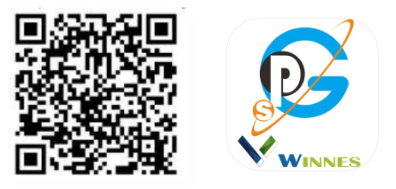
Download and install the app”WINNES GPS” from the App Store (iOS) or Google Play (Android). Or Scan the QR Code to install the application on your cell phone.
Login by ID:For single-device users
Enter the Device ID (on the back of the tracker) and the default password .
Login by Username: For multi-device users (register via "Sign Up").
*Click "Sign Up" to create an account using your email and a secure password.
* After verification, log in.
* "Device Management" → "Add Device" → Enter the ID(s) of additional trackers.
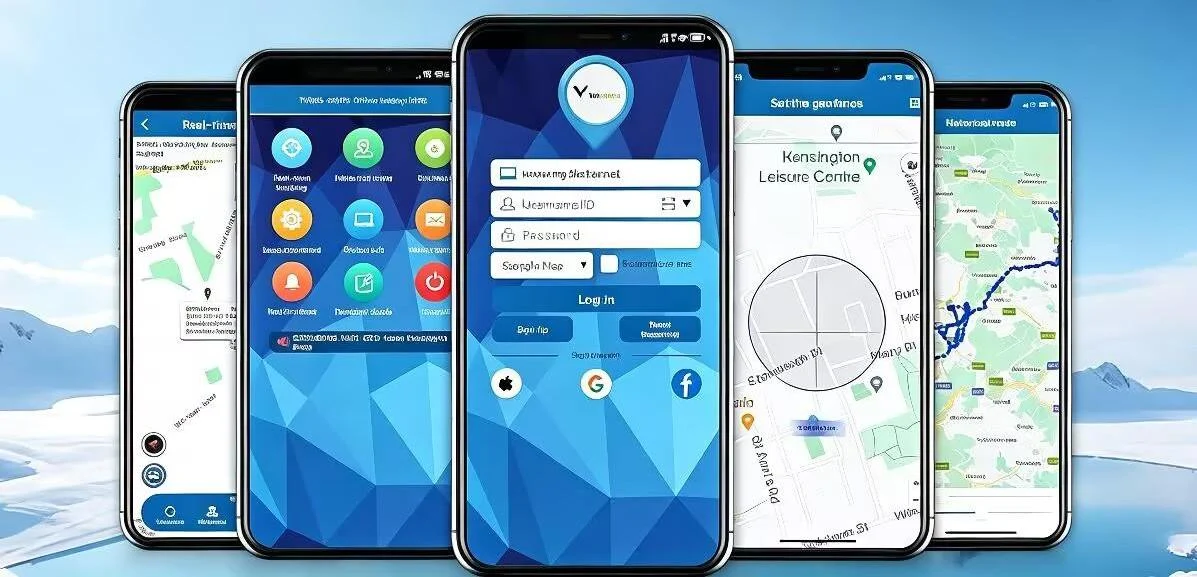
Features Guide

|
Device:The ID login option is not available; after logging in with the account, the status of all devices under the account is displayed, as well as options to add or remove devices.
|

|
View all :The ID login option is not available; after logging in with the account, all devices under the account are displayed on a positioning map interface, showing their location statuses.
|

|
Real-time tracking :Displays the latest location information of the device in real-time, while also showing the phone's location point and providing navigation from the phone to the device.
|

|
Geofence:Set safe zones—like your garden—as well as no-go zones your buddy should avoid—like a field near a busy road. You'll receive a quick alert when they leave or enter one of these zones.
|
|
Historical route:You can play back the daily running trajectory of the device, accurately viewing the time, speed, and latitude and longitude information for each location point. You can play back records from the last 6 months at most.
|

|
lssue command/Setting:Use this to set device-related function parameters, similar to SMS commands, with the same command saving the latest setting record.
|

|
Device info:Displays the device ID, card ICCD number, expiration date, and allows you to set the device name, license plate number, phone number, contact person, and contact phone number. You can also enable or disable LBS positioning.
|

|
Account info:Displays the accunt's name and change the password.
|

|
Notifications:Turn alarm notifications on or off. (This setting is unrelated to whether the device generates alarms; it only controls whether alerts are pushed when an alarm occurs.)
|

|
Alert Message/ Alerts“ View the alarm messages generated by the device.
|

|
Data statistics:Some pet model devices have this feature, used to view the daily activity status of pets.
|
|
Find pets: Some pet model devices have this feature, allowing you to locate the device using light or sound.
|

|
Subscription:To use the SIM card provided with the device, a subscription is required.
|
|
|
|
Web Tracking Platform
Website link: https://www.mytkstar.net
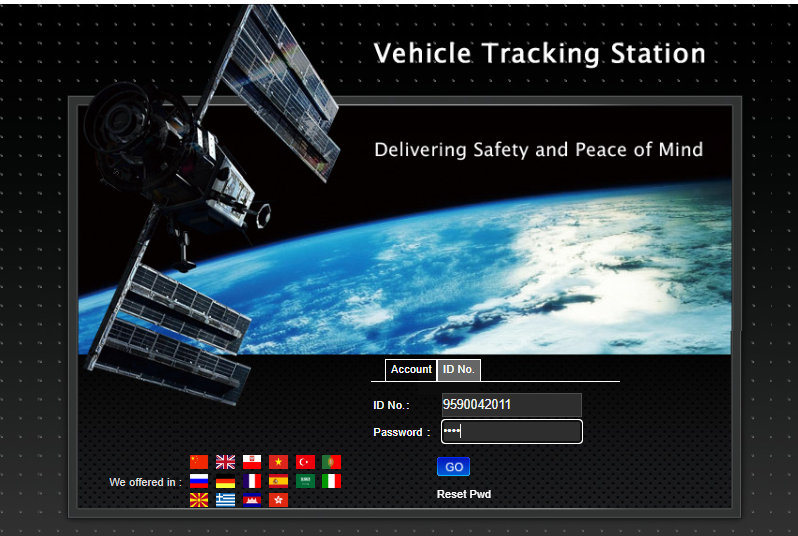
Select "ID No.” on the bottom of screen.
ID No.:Enter the device ID number(On the back or side of the device)
Default password: device passowrd



 Send Email
 TKSTAR
 Service
 WhatsApp